 FieldProof
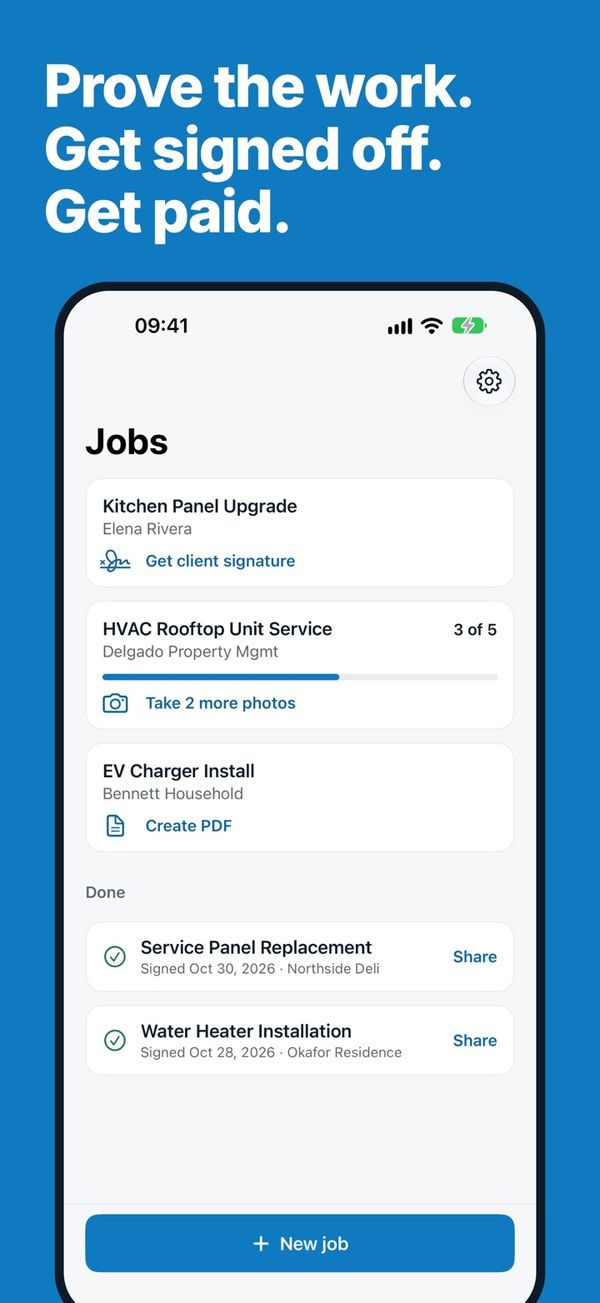
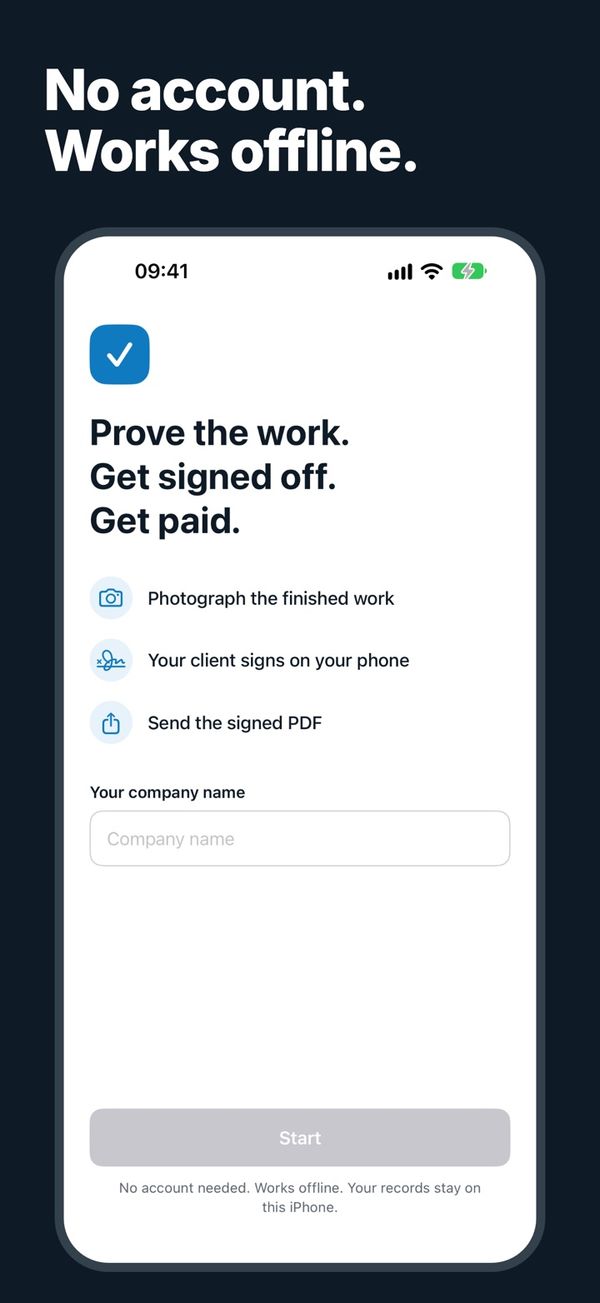
Prove the work. Get signed off. Get paid.
FieldProof turns the end of a job into a signed PDF record, right from the job site. Take the photos, have your client sign on your phone, and send the PDF before you leave.
No account · Works offline · Free plan included
Example record.
Closeout in three steps
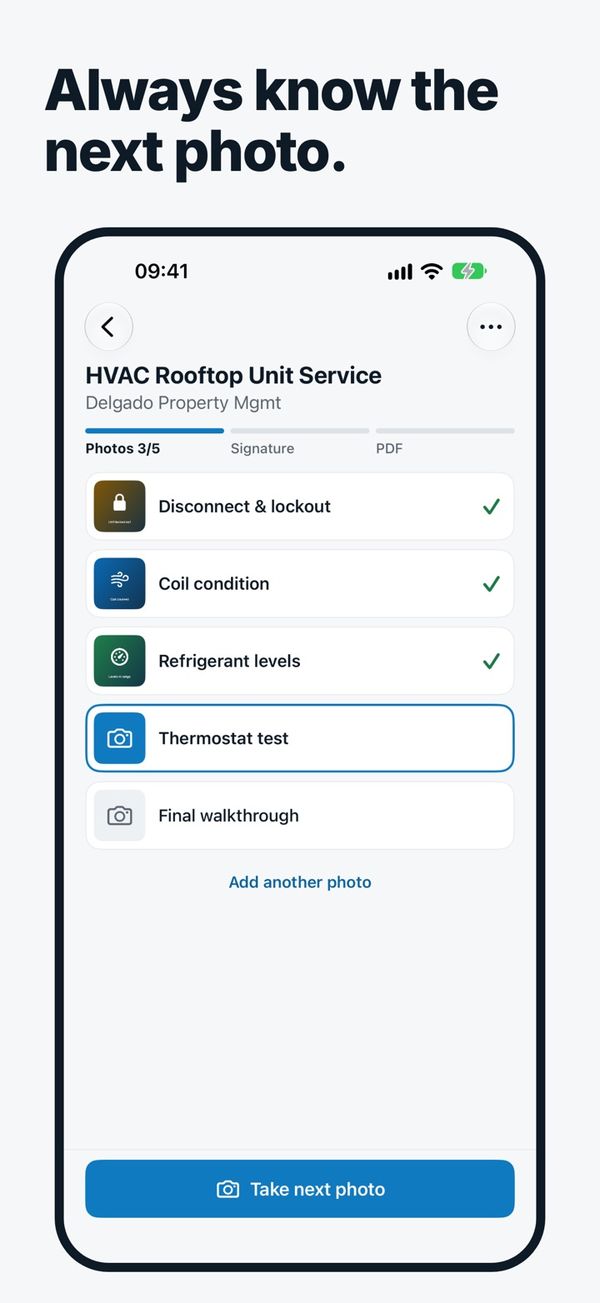
Take the photos
FieldProof shows you which photo is next, so nothing gets missed.
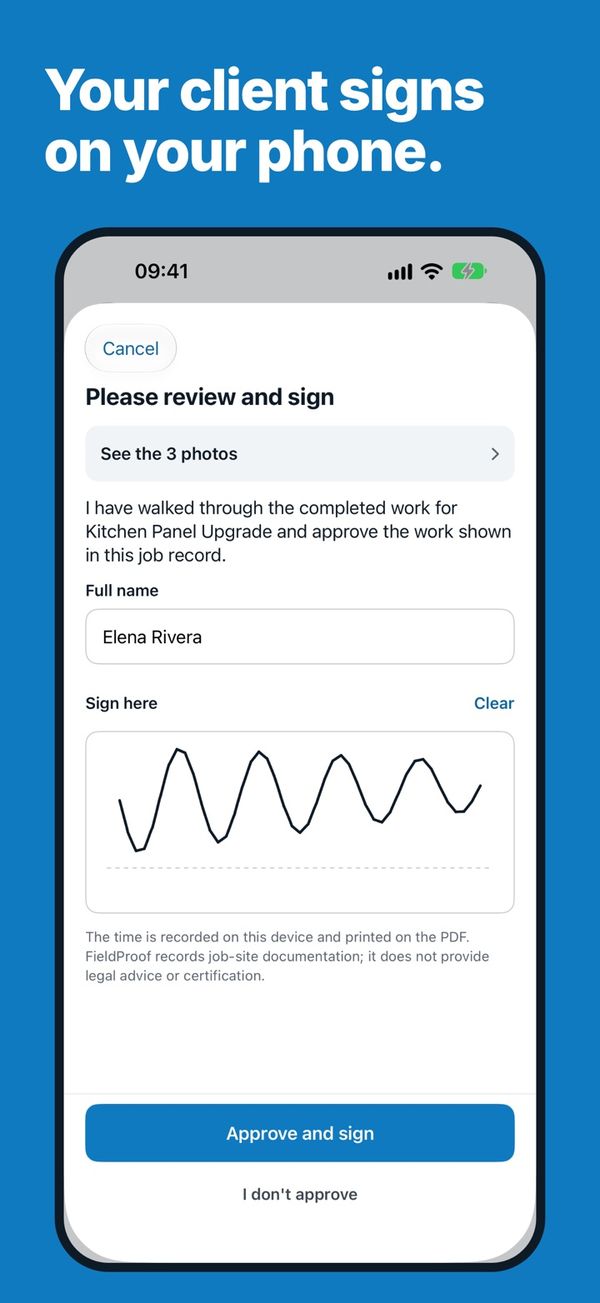
Get the signature
Your client reviews the photos and signs on your phone.
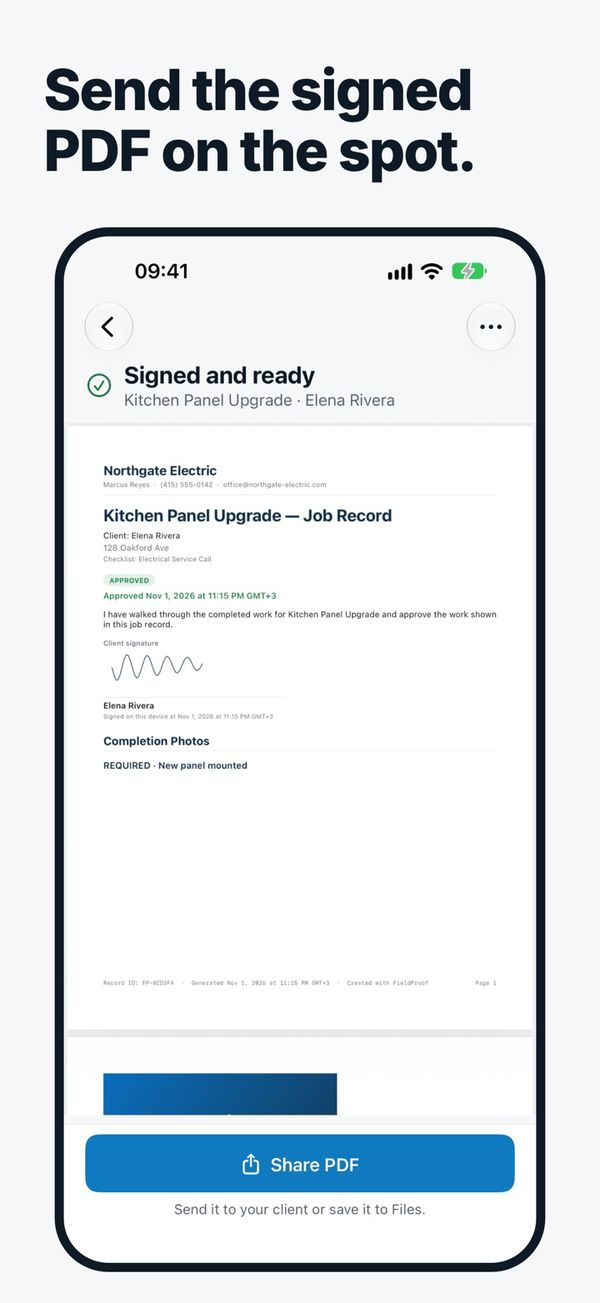
Send the PDF
Share it by email or message, or save it to Files, before you leave the site.
A clear record of finished work, without the paperwork
No account needed
Open the app, add your company name, start a job.
Works fully offline
Basements, rooftops, new builds. No signal needed.
Stays on your iPhone
Jobs, photos, signatures and PDFs are stored on your device, not on our servers.
Time and place on each photo
Each photo records when it was taken, plus the location if you allow it.
Mark up photos
Point things out with arrows, circles and text.
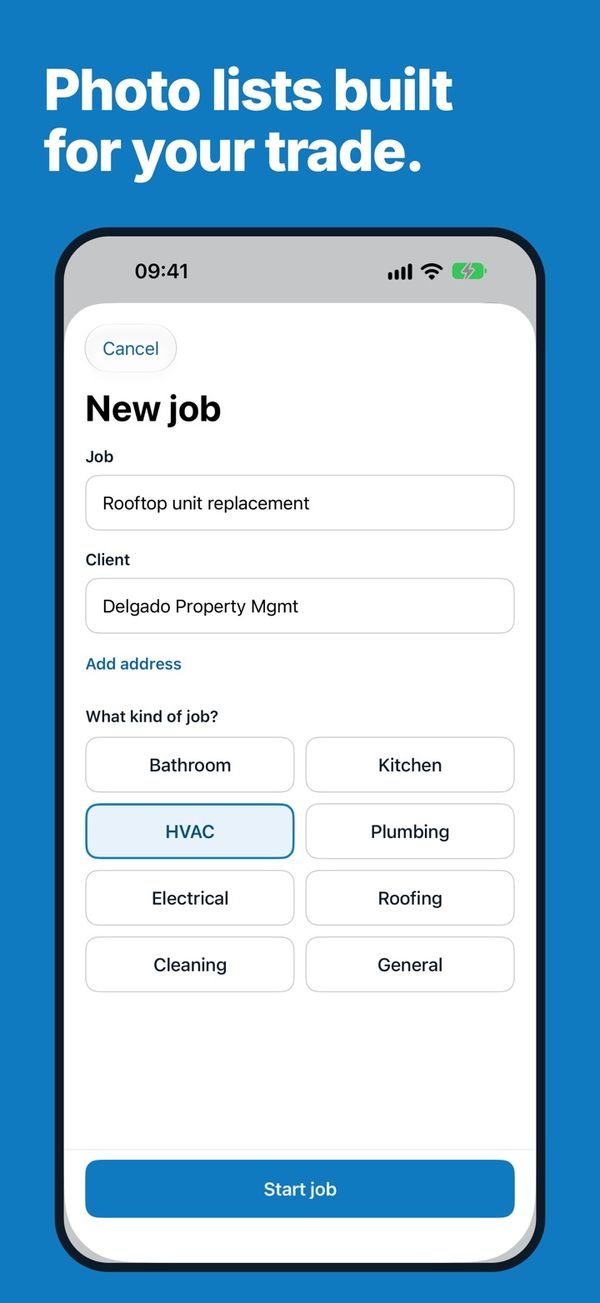
Photo lists for your trade
Ready-made lists, or build a job type of your own.
Start free. Go Pro when you need more.
Pro is a monthly or yearly subscription with a 3-day free trial. Current prices are shown in the app.
Free
Pro
Questions
Where are my jobs and photos stored?
On your iPhone. FieldProof does not run a server that collects or syncs your job data.
Is a FieldProof PDF legal proof?
FieldProof records job-site documentation. Timestamps and locations come from your device and are not independently verified, and FieldProof does not provide legal advice or certification.
Do I need location access?
No. Location is optional. If you allow it, the location is added to each photo; FieldProof works fully without it.
How do I cancel Pro?
In your App Store account settings. Subscriptions renew automatically unless canceled at least 24 hours before the end of the current period.
Which devices are supported?
iPhone with iOS 17 or later.
Finish the job with a signed record.
Free to download · iPhone